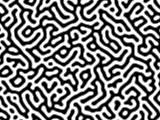

Generate Turing Pattern from Image
Blur and Sharpen an image multiple times to generate a Turing Pattern
This online tool lets you convert any image into a Turing Pattern by applying blur and sharpen multiple times.
You can choose the number of steps and the colors (can be black and white or any other two colors).
Turing pattern is a pattern frequently found in nature, with stripes and spots. This concept was introduced by Alan Turing.
Drop your image here
How to generate a Turing Pattern from an image
- Upload the image that you want to transform into a Turing Pattern. The image will load in the canvas below and the options will appear beside the image.
- Choose the pattern colors (Color #1 and Color #2).
- Choose the number of steps.
- Click "Generate Turing Pattern".
- Wait until the progress bar reaches 100%.
- Click "Download image" to download the image in PNG format.
Examples
Below are some examples of images generated with this online tool.
Example #1
| Original image | Turing pattern |
|---|---|
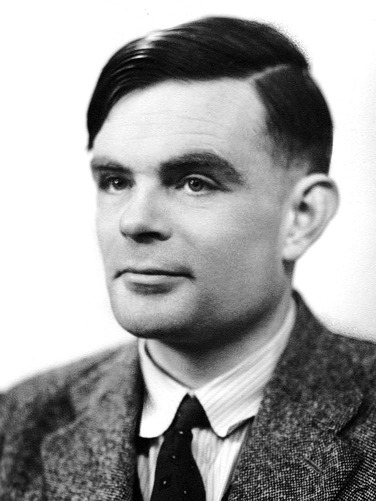 | 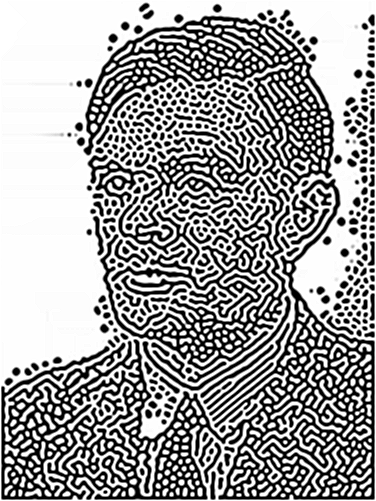 |
Parameters used:
| Color #1 | #000000 |
| Color #2 | #ffffff |
| Number of steps | 100 |
Example #2
| Original image | Turing pattern |
|---|---|
| 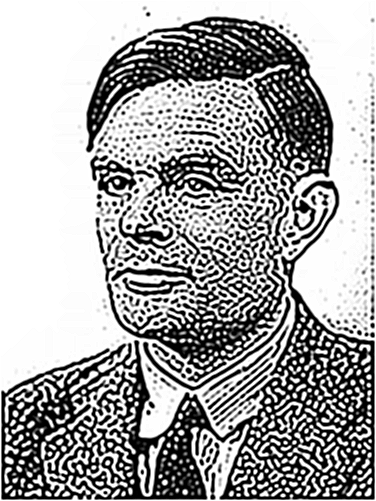 |
Parameters used:
| Color #1 | #000000 |
| Color #2 | #ffffff |
| Number of steps | 30 |
Example #3
| Original image | Turing pattern |
|---|---|
| 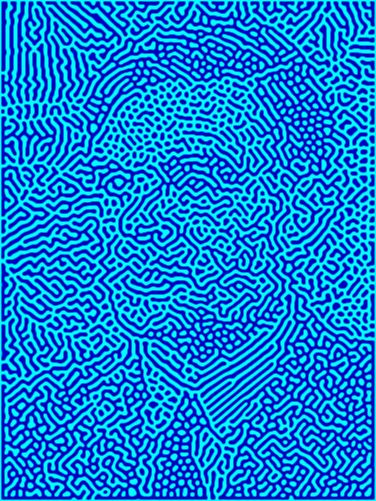 |
Parameters used:
| Color #1 | #0000bf |
| Color #2 | #00FFFF |
| Number of steps | 1800 |
Example #4
| Original image | Turing pattern |
|---|---|
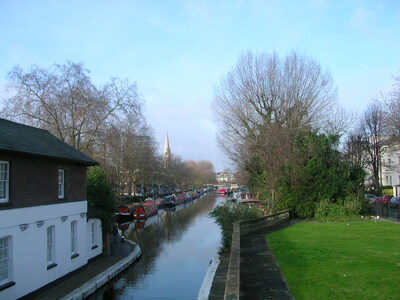 | 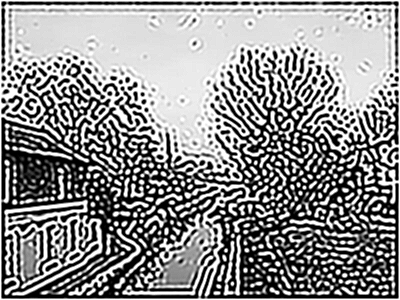 |
Parameters used:
| Color #1 | #000000 |
| Color #2 | #ffffff |
| Number of steps | 30 |
Example #5
| Original image | Turing pattern |
|---|---|
| 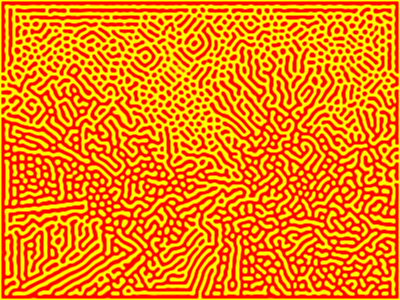 |
Parameters used:
| Color #1 | #FF0000 |
| Color #2 | #FFFF00 |
| Number of steps | 100 |
Related tools