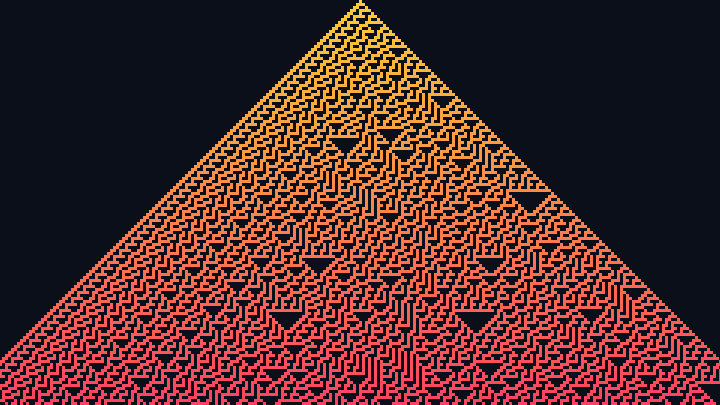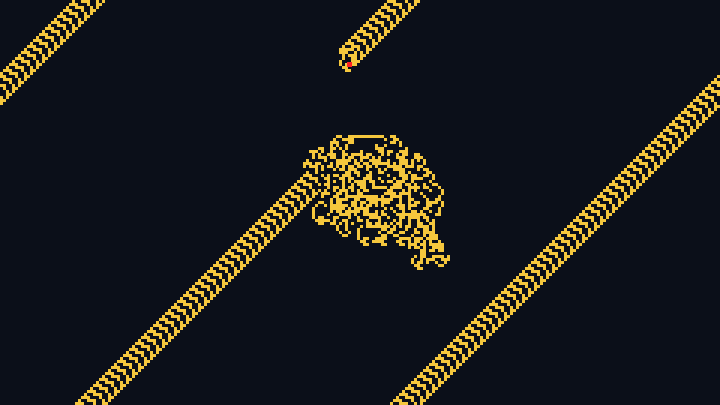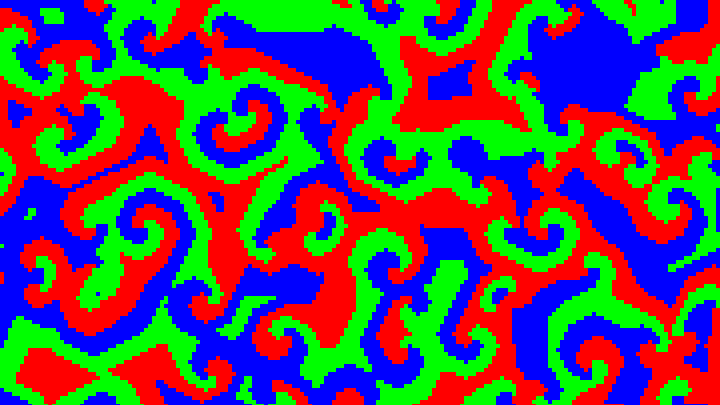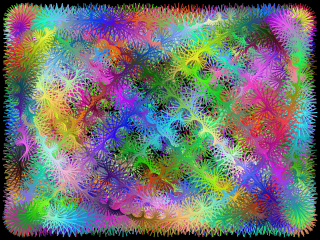

Huegene
Create beautiful abstract images and animations inspired by huegene cellular automata
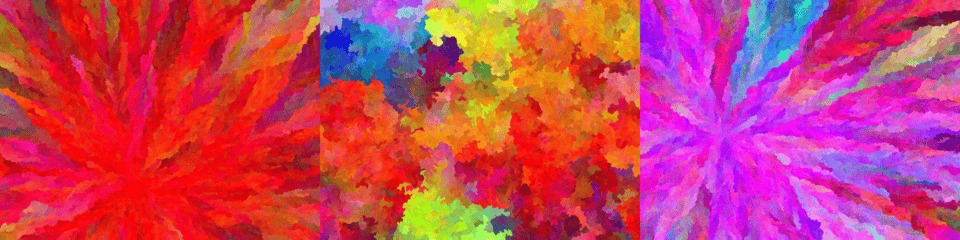
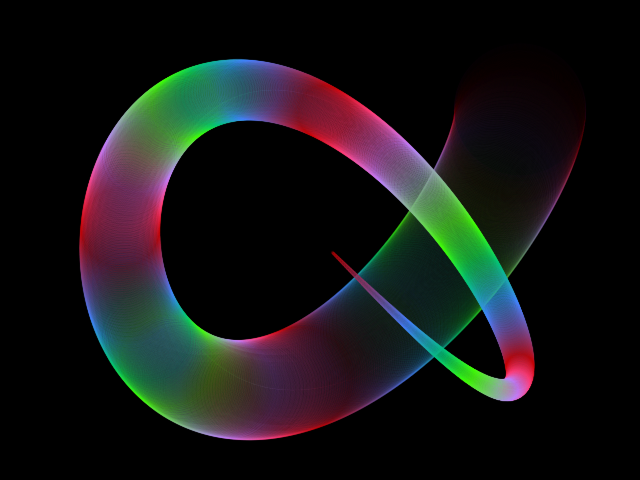
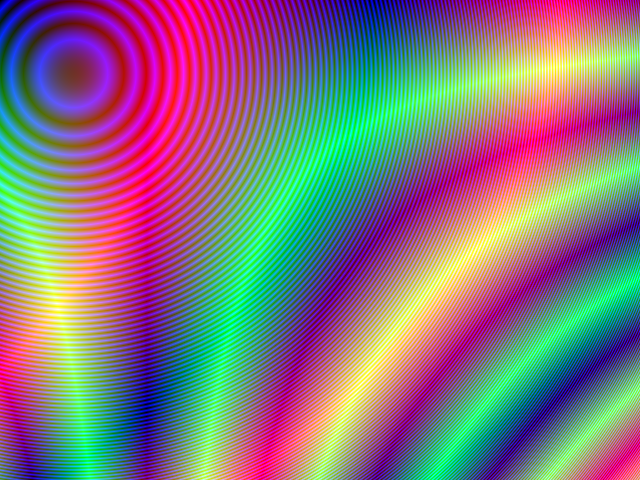
This online tool lets you create images and animations inspired by huegene cellular automata.
The algorithm starts by choosing one or more random pixels in the image and assigning a color to them (can be a random color or a custom color chosen by the user). Then it picks a random neighbor pixel that has not yet been colored and set its color by applying a mutation to the color of the neighbor pixel. This process continues until the entire image is filled.
There is also an option to choose a variation ("depth first") of this algorithm in which the next pixel to draw is neighbor of the previous pixel drawn, drawing the image like a random walk. In other words, instead of selecting a neighbor of any of the already colored pixels, it selects a neighbor of the pixel that was colored last (unless that pixel has no more neighbors available).
To learn more about each configuration parameter, read the documentation below.
Look at the examples below and learn how they were created.
Pixels colored: 0
Candidate pixels: 0
Progress: 0.0 %
0%
Examples
Below you can find some examples of images created with this online tool.
Click on any image below to start the huegene animation and view the parameters used to generate it.
Example #1
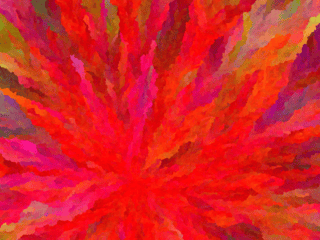
| Depth first | false |
| Number of seeds | 1 |
| Initial color | #ff0000 |
| Mutation type | RGB |
| Mutation range | RGB: 5, 5, 5 |
Example #2
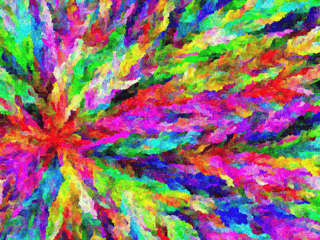
| Depth first | false |
| Number of seeds | 1 |
| Initial color | #ff0000 |
| Mutation type | RGB |
| Mutation range | RGB: 20, 20, 20 |
Example #3
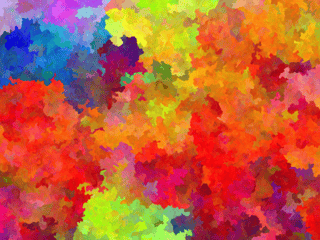
| Depth first | true |
| Number of seeds | 1 |
| Initial color | #ff0000 |
| Mutation type | RGB |
| Mutation range | RGB: 5, 5, 5 |
Example #4
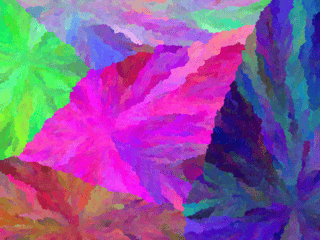
| Depth first | false |
| Number of seeds | 5 |
| Initial color | Random color |
| Mutation type | RGB |
| Mutation range | RGB: 5, 5, 5 |
Example #5
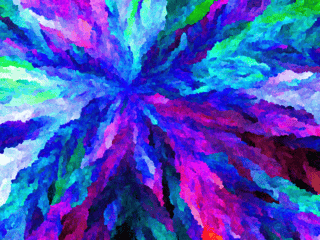
| Depth first | false |
| Number of seeds | 1 |
| Initial color | #0000ff |
| Mutation type | HSL |
| Mutation range | HSL: 5, 2, 2 |
Example #6
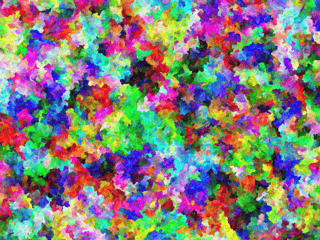
| Depth first | true |
| Number of seeds | 1 |
| Initial color | #00ffff |
| Mutation type | RGB |
| Mutation range | RGB: 20, 20, 20 |
Example #7
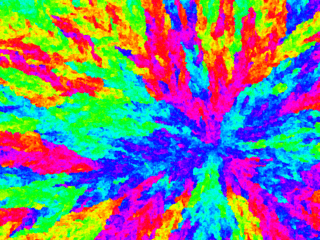
| Depth first | false |
| Number of seeds | 1 |
| Initial color | #0000ff |
| Mutation type | HSL |
| Mutation range | HSL: 10, 0, 0 |
Example #8
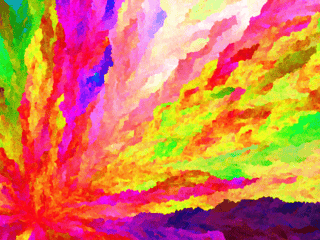
| Depth first | false |
| Number of seeds | 1 |
| Initial color | #ff0000 |
| Mutation type | HSL |
| Mutation range | HSL: 5, 1, 1 |
Documentation
Algorithm
| Field | Description |
|---|---|
| Number of seeds | Number of starting pixels. |
| Depth first | Determines how the algorithm will pick the next pixel to draw. If "depth first" is enabled, the next pixel to draw will be a neighbor of the previous pixel drawn, until the previous pixel has no more neighbors. The drawing animation will resemble a brownian motion or a random walk. This is a simple but unique algorithm variation that produces images with a different style. If "depth first" is disabled, the next pixel to draw will be a random pixel from the candidates, where the candidates are pixels that has at least one neighbor pixel that was already drawn. |
Initial color
| Field | Description |
|---|---|
| Type | Determines whether the color of the first pixel(s) will be a random color or a custom color. |
| Initial color | The color of the initial pixel(s), in hexadecimal value. For example, use #ff0000 for red. |
Mutation
| Field | Description |
|---|---|
| Mutation type | Determines the mutation type used to generate the colors of the pixels. The color of the next pixel drawn is generated by applying a mutation to the color of the previous neighbor pixel. The mutation type can be RGB or HSL. The RGB mutation works by applying a random change in the RGB (red, green, blue) components of the color. The HSL mutation works by applying a random change in the HSL (hue, saturation, lightness) components of the color. |
| Mutation range | The maximum amount of change per mutation. You can set individual values for each color component (red, green and blue, if RGB, or hue, saturation and lightness, if HSL). |
Animation speed
| Field | Description |
|---|---|
| Animation speed | Determines the number of pixels that will be colored at each animation frame. Must be an integer number. Greater numbers make the animation play faster, but very high numbers may cause the FPS to drop. |
Canvas size
| Field | Description |
|---|---|
| Resolution | The canvas width and height, in pixels. You can select an option from the list of commom display resolutions, or use "custom" to choose any width and height. |
| Width | The width of the animation canvas, in pixels. |
| Height | The height of the animation canvas, in pixels. |
Background
| Field | Description |
|---|---|
| Transparent background | If this option is checked, the animation will have transparent background. |
| Background color | The background color, in hexadecimal value. For example, use #000000 for a black background. |
Generate and download video
Instead of only watching the animations online, you can also record and download videos. The videos will be generated using webm extension.
You are free to share the generated videos on YouTube, TikTok or any other social media or website. Attribution is not required but appreciated.
| Field | Description |
|---|---|
| Framerate | The amount of frames per second that you want the video to have. |
| Automatically stop after... | If enabled, the video recording will stop automatically after the configured time (in seconds) or after the configured amount of frames. |
Related tools