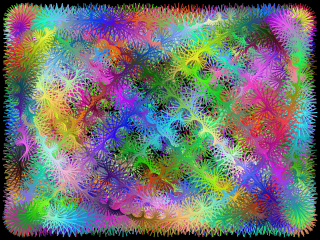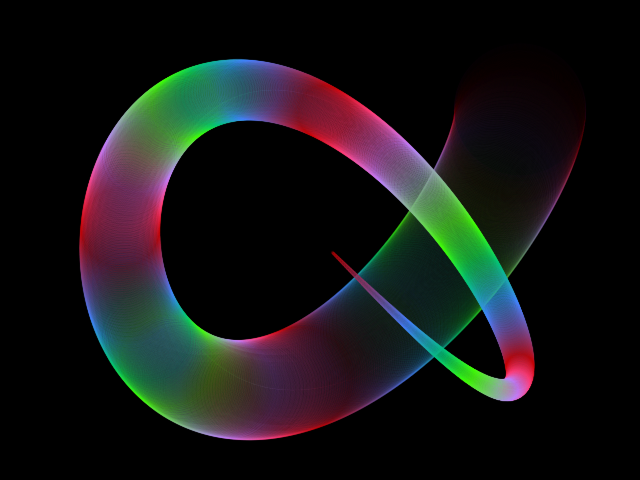

Create images using Neural Networks
Generate beautiful abstract images with this generative art tool.
What is this online tool?
This is a free online tool to generate abstract images and create art using Neural Networks.
How to use this online tool?
You don't need to have advanced knowledge about neural networks, math or programming to use this tool. Simply adjust the parameters to your liking and click "Generate" to create images instantly.
You can generate beautiful abstract images just by experimentation.
The neural network will be initialized with random weights, meaning that every time a different image will be generated, even if you use the same parameters.
How it works
The neural network takes a 2D coordinate (x, y) as input and outputs the color for that pixel, represented using RGB (red, green, blue) or HSL (hue, saturation, lightness).
By running the neural network once for each pixel in the image, it effectively "paints" the entire image based on the coordinates.
The neural network is initialized with random weights and biases, meaning that it will produce a unique image every time, even if you use the same parameters.
You can configure the number of hidden layers, the number of neurons per layer and many other things.
Configuration parameters
Image size
| Field | Description |
|---|---|
| Image width | The width of the image, in pixels. |
| Image height | The height of the image, in pixels. |
Neural Network generation
| Field | Description | ||||||
|---|---|---|---|---|---|---|---|
| Neural Network generation | Here you can configure how the weights and biases of the neural network will be set.
|
Neural Network architecture
You can choose the number of hidden layers and neurons per layer.
| Field | Description |
|---|---|
| Hidden layers | The number of hidden layers of the neural network. |
| Neurons per layer | The number of neurons per layer. |
Color representation
The output of the neural network will be a color, represented using RGB or HSL.
| Field | Description | ||||||
|---|---|---|---|---|---|---|---|
| Color representation | What the outputs of the neural network will represent. The neural network has 3 outputs, and these outputs can represent a color using RGB or HSL.
|
Color adjustments
You can make some adjustments to the image after its generated by the neural network.
In this section you can configure color adjustments by changing hue, saturation and lightness. The changes will be applied to every pixel in the image.
| Field | Description |
|---|---|
| Hue rotate | Change the hue of every pixel of the image by the specified amount. |
| Hue shift | Add the specified amount to the value of the hue of every pixel of the image. |
| Saturation shift | Add the specified amount to the value of the saturation of every pixel of the image. |
| Fixed lightness | If enabled, every pixel will have lightness of 0.5 (50%). If you use this option together with lightness shift, every pixel will have lightness of the value of the lightness shift. |
| Lightness shift | Add the specified amount to the value of the lightness of every pixel of the image. |
Neural Network transformations
After the neural network is created, with random weights and biases or from the training, you can still apply some additional transformations to the neural network, and visualize how these transformations affect the result image.
This is an interesting feature that you can use to visualize the effect that small (or big) transformations in the neural network cause in the generated image.
| Field | Description |
|---|---|
| Transform Neural Network | Enable or disable the transformations. If you enable this option, the neural network will be further transformed after the initial generation. |
| Weight add | Adds the specified value to every weight in the neural network. You can use any number. For example, if you set the value to 1, every weight in the neural network will be increased by 1. |
| Bias multiplication | Multiply the value of every bias of the neural network by the specified number. |
| Weight multiplication | Multiply the value of every weight of the neural network by the specified number. |
Related tools