
Kaleidoscope Simulator
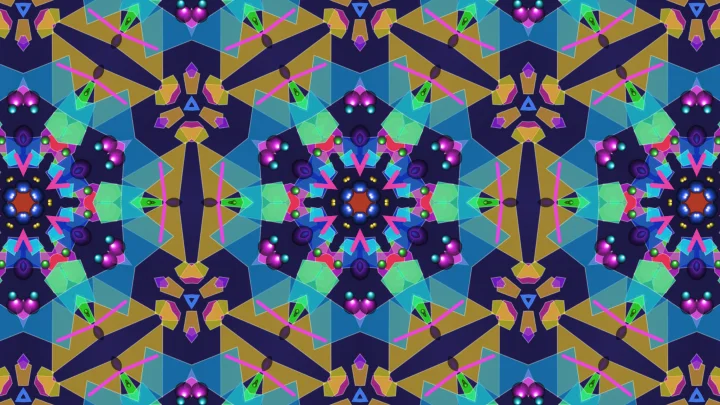
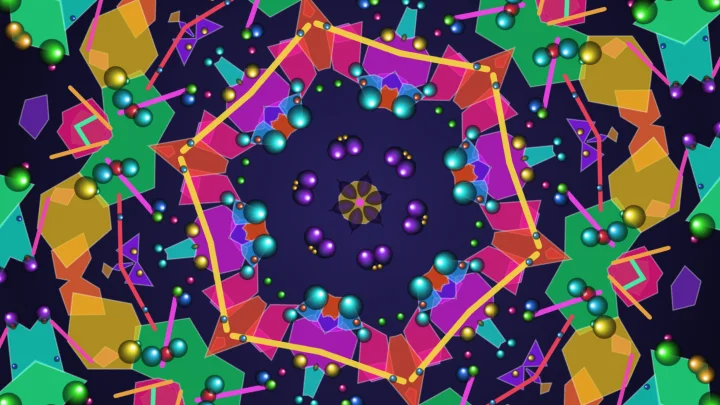
A virtual kaleidoscope: glass beads, shards and sticks tumble in the object cell as the tube turns, and the mirrors turn them into endless patterns.
This online kaleidoscope works like the real one. At the end of the tube, a small round cell holds loose pieces of colored glass. When you turn the tube, the wall of the cell carries the glass up until it slides and tumbles back down, and the mirrors inside the tube reflect the moving pieces into a symmetric pattern that never repeats.
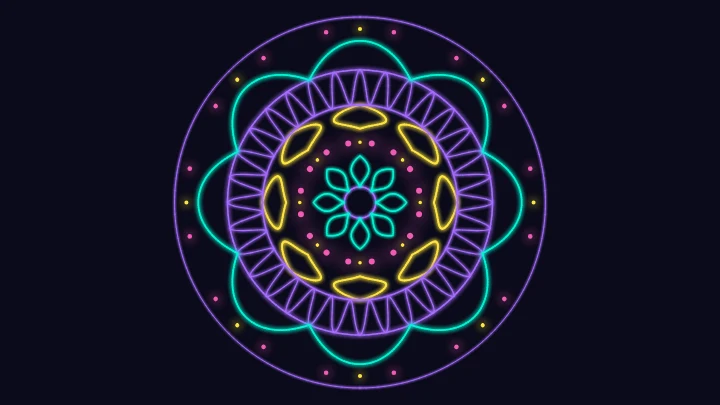
Watch it turn by itself, or drag on the kaleidoscope to turn it by hand, shake it, and choose the mirrors: two mirrors for a round mandala, or three or four for a pattern that fills the whole view. Fill the cell with beads, shards and sticks in the colors you like, with a dry cell or one filled with oil, where the glass floats down slowly. Download the view as an image, or record it as an animated GIF or a video.
The simulation runs directly in your browser. Nothing needs to be installed.
Options
Drag on the kaleidoscope to turn it by hand.
How to use the kaleidoscope simulator?
- Watch it turn - The object cell turns by itself, slowly. Change the turning speed, or set it to 0 and drag on the kaleidoscope to turn it by hand, in either direction. Choose whether only the cell turns or the whole tube. Click "Shake" to throw the glass around.
- Choose the mirrors - The triangle 60°-60°-60° is the classic three-mirror kaleidoscope. "Circle" makes a round mandala with the number of copies you choose. The small view of the cell shows which part of it the mirrors see.
- Fill the cell - Choose shards, beads and sticks, their colors, their amount and their size, and click "New objects" for a new set. A cell filled with oil makes the glass float down slowly.
- Download - Choose an image, an animated GIF or a WebM video, its shape and its size. The animation starts from what the kaleidoscope shows at that moment.
Options
| Field | Description |
|---|---|
| Kaleidoscope | How the mirrors inside the tube are placed. Circle: two mirrors at an angle, whose reflections go around the center (a mandala). Triangles 60°-60°-60°, 45°-45°-90° and 30°-60°-90°: three mirrors whose reflections fill the whole view, with the symmetry of a triangle, a square or a snowflake. Square: four mirrors. The Kaleidoscope Effect explains each of them in more detail. |
| Number of copies and mirror every other copy | Only for the circle: how many times the view repeats around the center, and whether the copies are mirror images of each other (like in a real kaleidoscope) or only rotated. |
| Pattern size | Only for the triangles and the square: the size of one tile of the pattern, in percent of the shorter side of the view. |
| Rotation of the result and round frame | The rotation turns the whole view. The round frame shows only the circle in the middle, like the view through the eyepiece of a real kaleidoscope. |
| Part seen by the mirrors | How much of the object cell the mirrors see, shown by the outline on the small view of the cell. 100% is the largest part that fits inside the cell. Smaller values magnify the pieces of glass near the middle of the cell. |
| What turns | Many kaleidoscopes have a ring that turns only the object cell: the mirrors stay still, and the glass flows through the view while the pattern keeps its orientation. In the classic toy, you turn the whole tube: the mirrors turn with the cell, so the glass seems to fall in a different direction as you turn. |
| Turning speed | How many turns per minute the cell (or the tube) makes by itself. Negative values turn it the other way, and 0 stops it, so you can turn it by hand by dragging on the kaleidoscope. |
| Filled with oil | Some kaleidoscopes have a cell filled with a clear liquid. The glass then floats down slowly and the pattern changes gently, instead of tumbling. |
| Gravity | How strongly the glass falls. Lower values make it fall slowly, as if in slow motion, and 0 lets it float. |
| Back of the cell | Frosted glass is the back of most kaleidoscopes: it lets the light through, and colored glass filters it, so the colors mix where two pieces overlap. Black gives a dark background where the colors glow. |
| Shards, beads and sticks | The kinds of objects in the cell: flat shards of colored glass, round glass beads, and thin glass rods. |
| Colors | The colors of the glass. Changing them keeps the objects where they are. |
| Amount and size of the objects | The part of the cell covered by glass, and the size of the objects compared to the usual size. Changing them fills the cell with a new set of objects. |
| Format | An image (PNG) of what the kaleidoscope shows now, an animated GIF, which plays everywhere but has only 256 colors, or a WebM video, which keeps all the colors in a much smaller file (not available in Safari). |
| Shape and size | The proportions of the download (square, 16:9 or 9:16) and the size of its longest side, in pixels. |
| Duration and frames per second | The length of the animation and its smoothness. The animation is computed frame by frame from the current state of the simulation, so it is always smooth, even on a slow computer. GIF only allows 10, 20, 25 or 50 frames per second. |
| Transparent corners and color of the corners | With the round frame, the corners around the circle can be transparent (PNG image) or filled with a color. |
How does the simulation work?
The object cell is a short, flat cylinder at the end of the tube. The tube is held almost level, so gravity pulls the glass towards the lowest part of the cell. When the tube turns, the round wall of the cell turns with it, and friction carries the glass that touches the wall up the rising side, until the pile becomes too steep and the pieces slide, roll and tumble back down. This is the same flow as in a rotating drum, like a cement mixer or a clothes dryer, and it is why a kaleidoscope never shows the same pattern twice.
Each piece of glass is a rigid body: it moves, turns, collides with the other pieces and with the wall, and slides with friction. The collisions are computed 240 times per second, with the method used by many game physics engines (sequential impulses): the pieces that touch push each other apart just enough to stop overlapping, and friction resists their sliding. In a cell filled with oil, the liquid also slows every piece down, so the glass sinks slowly.
The view through the tube is computed from a picture of the cell. For each pixel, the mirrors are "unfolded": the pixel is reflected across the mirrors until it falls inside the part of the cell that they see, exactly as light is reflected inside a real kaleidoscope. Your graphics card does this for every pixel, in every frame.
When the whole tube turns, the picture turns with it, as when you look through a real kaleidoscope: the mirrors stay still in your view, and the glass seems to fall towards a side that keeps changing. When only the cell turns, gravity always points down in the view, and the glass is carried up and flows down through the mirrors.
Frequently Asked Questions (FAQ)
Is this kaleidoscope simulator free to use?Yes, this tool is 100% free and works directly in your browser, with no installation, no sign-up and no watermark.
Why do the patterns look different in a real kaleidoscope?Real kaleidoscopes differ a lot: the angle between the mirrors, the length of the tube, the objects in the cell, and the light that goes through it. This simulator imitates the most common designs, with perfect mirrors. Try the different mirrors, a black back and a cell filled with oil to get closer to the one you know.
Can I make a kaleidoscope from my own photo?Yes. The Kaleidoscope Effect reflects a piece of your photo in the same mirrors, and the Kaleidoscope Animation Generator turns it into a seamless looping animation.
Does the animation loop?No. The glass tumbles differently every time, like in a real kaleidoscope, so the end of the animation doesn't lead back to its start. For an animation that loops forever without a jump, use the Kaleidoscope Animation Generator.
How do I make a relaxing kaleidoscope video?Turn on "Filled with oil", set a slow turning speed (2 to 4 turns per minute), and download a WebM video of 30 to 60 seconds at 30 or 60 frames per second.
Related tools