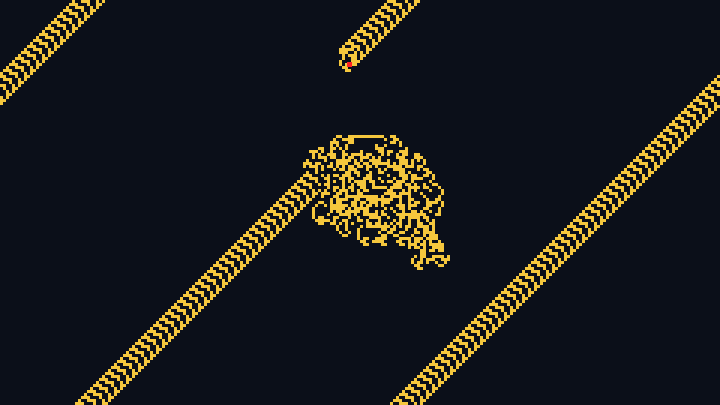

Turmite
Simulate turmites, the two-dimensional Turing machines, directly in your browser.
This free online turmite simulator runs turmites: little machines that walk on a grid of colored cells. Like Langton's ant, a turmite reads the color of its cell, writes a new color, turns and moves forward, but it also has an internal state, a small memory that changes on every step. With only 2 states and 2 colors, turmites build spirals, triangles, diamonds, highways and chaotic clouds.
Watch the famous turmites of the collection of Golly, like the Fibonacci spiral, the square spiral, the nested cabinets and the stepped pyramid, paste a rule written in the usual {{{color, turn, state}}} notation, or generate a random turmite and discover a new pattern.
Add several turmites, choose the colors, and download the result as a PNG image or record it as a video. Everything runs directly in your browser: nothing is uploaded to a server.
Step: 0Visited cells: 0Turmites: 0Turmite: Fibonacci spiral
Click on the grid to add a turmite.
How to simulate a turmite
- Choose a turmite - Pick one of the famous turmites, like the Fibonacci spiral or the nested cabinets, or click "Random turmite" to generate a new one with the number of states and colors you choose.
- Edit the rule - Change the numbers of the rule and watch the turmite start again with the new rule. The table below the rule explains what the turmite does in each state and on each color.
- Choose the turmites - Set the number of turmites and where they start, or click on the grid to drop new ones while the animation is running.
- Set the size of the grid - Choose the number of columns and rows and the size of each cell. Turn off "Wrap the edges" if you want the turmites to stop at the borders.
- Adjust the speed - Choose how many steps are computed per second, or turn on the maximum speed. Some turmites need hundreds of thousands of steps to show their pattern.
- Customize the colors - Choose the background, the colors of the cells and the color of the turmites.
- Download it - Save the current state as a PNG image, or open the "Generate and download video" section to record the animation as a video in WebM format.
What is a turmite?
A turmite is a Turing machine whose tape is a two-dimensional grid, and whose head has a direction. On every step, the turmite looks at its current state and at the color of the cell it stands on, and the rule tells it three things:
- The color to write on the cell.
- How to turn: not at all, 90 degrees to the right, 90 degrees to the left, or a U-turn.
- The state to take for the next step.
Then it moves forward one cell. Langton's ant is the simplest turmite: it has a single state, so its behavior only depends on the color of the cell. Adding states gives the turmite a small memory, and the number of possible patterns explodes.
Two-dimensional Turing machines were studied independently in the 1980s by Chris Langton, Allen H. Brady and Greg Turk. The name comes from A. K. Dewdney, who presented Greg Turk's creatures in his Scientific American column in 1989: they were Turing machines studied by Turk, and they looked like little insects, so he called them "tur-mites".
How to read the rule
The rule uses the notation of Golly and Wikipedia. It is a list with one group per state, and each group has one {color, turn, state} triple for each color of the cell. The turns are written with a code:
| Code | Turn |
|---|---|
| 1 | No turn: the turmite keeps its direction |
| 2 | Turn 90 degrees to the right |
| 4 | U-turn: the turmite goes back the way it came |
| 8 | Turn 90 degrees to the left |
For example, the Fibonacci spiral is {{{1, 8, 1}, {1, 8, 1}}, {{1, 2, 1}, {0, 1, 0}}}. In the state 0, on a cell of color 0, it writes the color 1, turns left and goes to the state 1 (the triple {1, 8, 1}). In the state 1, on a cell of color 1, it writes the color 0, does not turn and goes back to the state 0 (the triple {0, 1, 0}).
You can also write the rule as a table, one line per rule, with the state, the color read, the color written, the turn (L, R, N or U) and the next state, like A 0 1 L B. A state and color without a line stops the turmite.
The famous turmites
| Turmite | Description |
|---|---|
| Fibonacci spiral | Builds a growing rectangle out of striped squares whose sides follow the Fibonacci numbers, turning around the center like the golden spiral. |
| Square spiral | Builds a perfect square made of nested squares, split by a diagonal, that grows slowly and forever. |
| Striped spiral | Grows a spiral of striped triangles and squares, where every part has its own direction of stripes. |
| Filled spiral | Grows a diamond of solid triangles around a spiral of nested squares. Later, small chaotic clouds appear along its edges. |
| Box spiral | Draws a thin square spiral inside a diamond shaped frame, while chaotic clouds grow at the corners of the frame. |
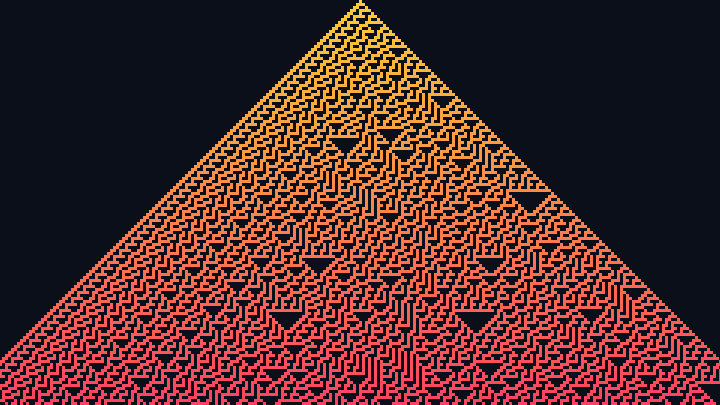
| Stepped pyramid | Builds a striped triangle, a pyramid made of steps, that keeps growing. |
| Filled triangle | Fills a solid triangle that grows forever, one line at a time. |
| Diamond | Fills a growing striped rhombus, split in two halves by one of its diagonals. |
| Cross | Draws the outline of a diamond crossed by its two diagonals, with lines only one cell wide that keep growing. |
| Coiled rope | Grows a round shape made of concentric rings, like a coiled rope seen from above. |
| Nested cabinets | Grows a big octagon full of nested rectangles, like cabinets inside cabinets. |
| Distracted spiral | A diamond of stripes that keeps growing around a spiral that is often interrupted. |
| Computer art | Draws a small square with a solid frame and a random looking pattern inside, like the early computer art. |
| Woven placemat | Weaves a small square with a fine crisscross pattern, like a placemat. |
| Contoured island | Grows an irregular island covered with lines that follow its shape, like the contour lines of a map. |
| Highway | After a chaotic phase, the turmite builds wide highways that leave the chaos in diagonal directions. |
| Maze (3 states) | A turmite with 3 states that grows a round island filled with a maze of short corridors. |
| Cornices (3 states) | A turmite with 3 states that builds a pointed shape of stripes and moldings, like the cornices of a building. |
| Langton's ant (1 state) | Langton's ant is the turmite with a single state: it turns right on the color 0, left on the color 1, and flips the color of the cell. It builds its famous highway after about 10000 steps. |
Options
Below are all the options you can configure in this turmite simulator.
| Field | Description |
|---|---|
| Rule | The rule of the turmite, in the {{{color, turn, state}}} notation or as a table with one rule per line. Changing the rule starts the simulation again. |
| Random turmite | Generates a turmite with the number of states and colors you choose, with a random color, turn and next state for every combination. Most random turmites draw chaotic clouds, but some build highways, spirals or perfect shapes. |
| Number of turmites | How many turmites start on the grid, all with the same rule. You can add more by clicking on the grid, up to 64 turmites. |
| Position of the turmites | Where the turmites start: all on the center cell, each one turned 90 degrees from the previous one; evenly spaced on a circle around the center; or at random positions and directions. |
| Direction at the start | The direction the turmite faces before its first step. Every turmite starts in the state 0. |
| Initial grid | An empty grid, where every cell has the color 0, or a grid of random colors. |
| Columns, rows and size of the cell | The size of the grid in cells, and the size of each cell in pixels. |
| Wrap the edges of the grid | Turned on, a turmite that leaves the grid comes back through the opposite border. Turned off, it stops when it reaches a border. |
| Steps per second and maximum speed | How many steps each turmite takes per second, or as many as possible with the maximum speed. |
| Pause after a number of steps | Pauses the animation automatically at the step you choose, which is useful to download the image of an exact step. |
| Colors of the cells | The color 0 is the background. The other colors are a gradient between two colors, or a rainbow. |
| Show the turmites | Draws each turmite as an arrow pointing in its direction, or as a small square when the cells are too small. The turmites are also drawn in the downloaded image and in the video, so hide them if you want only the pattern. |
Frequently Asked Questions (FAQ)
Is this turmite simulator free?Yes. The tool is completely free, there is no registration, and everything is computed by your own browser: nothing is uploaded to a server.
What is the difference between a turmite and Langton's ant?Langton's ant is a turmite with a single state: it always does the same thing on the same color. A turmite with several states can do different things on the same color, depending on its state, which lets it build much more varied patterns. The Langton's ant tool also runs the multi-color ants, like LLRR, which are turmites with one state and several colors.
Why does my turmite only draw a chaotic cloud?Most turmites behave chaotically, like Langton's ant before its highway. Let it run longer, with the maximum speed, since some turmites only show their structure after hundreds of thousands of steps, or try another random turmite.
Where do the famous turmites come from?They come from the collection of turmites of Golly, the free cellular automata program, where each turmite is named after the shape it draws: the Fibonacci spiral, the nested cabinets, the computer art and many more.
Can I download the animation as a video?Yes. Open the "Generate and download video" section, choose the framerate, click "Generate video", and click "Stop recording and download video" when you have enough. The video is recorded in the WebM format.
Can I use the images and the videos commercially?Yes. The images and videos you generate are yours, and you can use them in any project.
Related tools