
Create animations using math equations
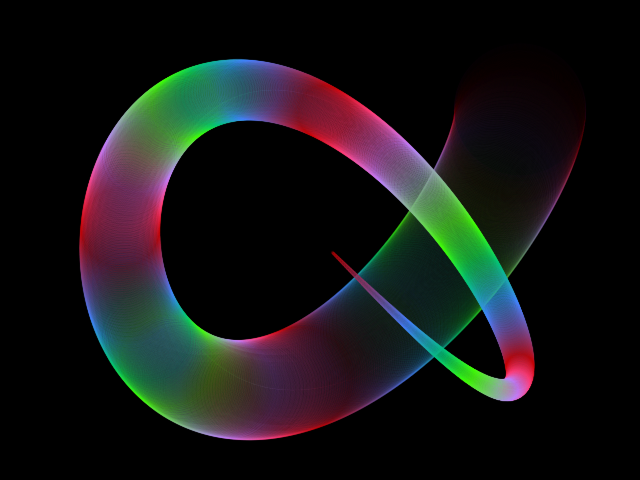
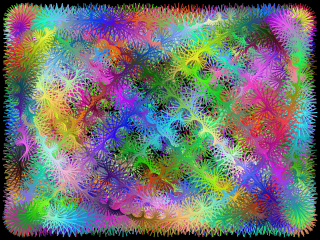
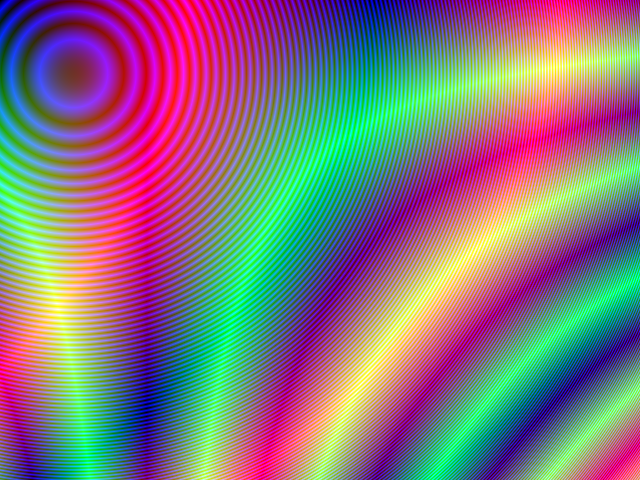
Type a math equation for each color channel, using the pixel position (x, y) and the time (t), and watch it move.
This is a free online tool to create animations from mathematical formulas. The color of every pixel is given by math equations, which can use the position of the pixel, x and y, and the elapsed time in seconds, t. Since the equations depend on the time, the image changes in every frame, and becomes an animation.
You can use a math equation for each RGB color channel (red, green and blue), or for each HSL component (hue, saturation and lightness). The equations can use operators and math functions like sin(), cos(), sqrt(), hypot() and random().
The equations are evaluated by your graphics card (with WebGL2), for every pixel, in every frame, so the animations are smooth even in large images. When you like the result, download it as an animated GIF or a WebM video, or download the current frame as a PNG image.
This tool is the animated version of Create images using math equations: the equations of that tool also work here, and adding t to them makes them move. Everything runs directly in your browser: nothing is uploaded to a server.
Options
t = 0.00 s
Frames per second: -
Examples
Click on any example to load its equations and edit them.
How to create an animation using math equations
- Choose the image size - The width and height of the animation, in pixels.
- Choose the color representation - RGB (an equation for red, green and blue) or HSL (an equation for hue, saturation and lightness).
- Type the equations - Use
xandyfor the position of the pixel andtfor the time. The animation updates while you type, and errors are shown below the equation. - Choose what happens to values outside the range - "Bounce" (recommended), "clamp" or "remainder".
- Move and zoom (optional) - Drag the mouse on the animation to move the coordinates, change the offset and the zoom, or the speed of the animation.
- Download the animation - Choose GIF or WebM, the duration and the frames per second, and click the download button. You can also download the current frame as a PNG image.
Documentation
Variables
| Variable | Description |
|---|---|
x | The horizontal position of the pixel: 0 in the left column of the image, growing to the right. The offset and the zoom change it: x = (column + offset x) / zoom. |
y | The vertical position of the pixel: 0 in the top row of the image, growing downwards. The offset and the zoom change it: y = (row + offset y) / zoom. |
t | The elapsed time, in seconds, since the animation started (multiplied by the speed). In the downloaded animation, it starts at the "start time" and grows by speed / frames per second in each frame. |
You can also use the constants PI (3.14159...) and E (2.71828...), with or without "Math.".
Equations
| Field | Description |
|---|---|
| Color representation | RGB (red, green, blue) or HSL (hue, saturation, lightness). |
| R, G, B | The equations of the red, green and blue color channels. They should give values between 0 and 255. |
| H | The equation of the hue, in degrees, around the color wheel: 0 is red, 120 is green and 240 is blue. Values above 360 wrap around. |
| S, L | The equations of the saturation and the lightness. They should give values between 0 and 100. |
Values outside the range
When an equation gives a value outside its range (0 to 255 for R, G and B, 0 to 100 for S and L), the value is adjusted:
| Option | Description |
|---|---|
| Bounce | The value keeps "bouncing" between the minimum and the maximum: with RGB, 256 becomes 254, 300 becomes 210, and 510 becomes 0. Large values make smooth bands. |
| Clamp | Values lower than the minimum become the minimum, and values greater than the maximum become the maximum. |
| Remainder | The remainder of the division by the maximum (modulo), so the values start over from 0: with RGB, 300 becomes 45. |
Operators
The equations use the syntax of Javascript expressions.
| Operator | Description | Example |
|---|---|---|
+ - * / | Addition, subtraction, multiplication and division. Multiplication always needs the *: write 2 * x, not 2x. | x * 2 + y / 3 |
** | Power. | x ** 2 |
% | Remainder of the division. It has the sign of the left value: -7 % 3 is -1. | (x + 100 * t) % 64 |
& | ^ ~ << >> >>> | Bitwise AND, OR, XOR, NOT and shifts. The values are converted to whole numbers first. They make fractal patterns like the Sierpinski triangle. | x ^ (y + 50 * t) |
< > <= >= == != | Comparisons. They give 1 when true and 0 when false. | (x > 100 * t) * 255 |
condition ? a : b | Gives a when the condition is true (not zero) and b otherwise. | x < 200 ? 255 : 0 |
&& || ! | Logical AND, OR and NOT. | (x > 100 && y > 100) * 255 |
Math functions
The functions of the Javascript Math object can be used with or without "Math.": Math.sin(x) and sin(x) are the same. The angles are in radians.
| Function | Description | Example |
|---|---|---|
sin(a), cos(a), tan(a) | Sine, cosine and tangent. Using t inside them makes things repeat over time: sin(2 * PI * t / 4) repeats every 4 seconds. | 128 + 127 * sin(x / 20 + t) |
asin(a), acos(a), atan(a) | Inverse sine, cosine and tangent. | atan(x / 100) * 255 |
atan2(y, x) | The angle between the positive x axis and the point (x, y), from -PI to PI. Useful for spirals and rotations. | atan2(y, x) * 180 / PI + 90 * t |
hypot(a, b, ...) | The square root of the sum of the squares: hypot(x, y) is the distance from (0, 0). | sin(hypot(x, y) / 10 - 4 * t) * 255 |
sqrt(a), cbrt(a) | Square root and cube root. | sqrt(x * y) |
pow(a, b) | The power ab, the same as a ** b. | pow(x / 10, 2) |
exp(a), log(a), log2(a), log10(a) | Exponential and logarithms (natural, base 2 and base 10). Also expm1(a) and log1p(a). | log(x + 1) * 40 |
abs(a), sign(a) | Absolute value, and the sign (-1, 0 or 1). | abs(x - 200) |
floor(a), ceil(a), round(a), trunc(a) | Round down, round up, round to the nearest whole number, and remove the decimals. | floor(x / 40 + t) * 30 |
min(a, b, ...), max(a, b, ...) | The smallest and the largest of the values. | min(x, y) |
sinh(a), cosh(a), tanh(a), asinh(a), acosh(a), atanh(a) | Hyperbolic functions and their inverses. | tanh((x - 200) / 50) * 255 |
random() | A random number between 0 and 1, different for every pixel and every frame. | random() * 255 |
Coordinates, zoom and speed
| Field | Description |
|---|---|
| Offset x, offset y | Moves the "camera", in pixels, without changing the equations. You can also click and drag on the animation. |
| Zoom | Values above 1 zoom in and values below 1 zoom out, without changing the equations. With "Change zoom with mouse wheel", scrolling on the animation zooms around the mouse. |
| Speed | How fast t grows. 1 is real time, 2 is twice as fast, and 0 freezes the animation. It also applies to the downloaded animation. |
Download
| Field | Description |
|---|---|
| Format | Animated GIF works everywhere, but has at most 256 colors. WebM video has all the colors and smaller files, but is not supported by every browser (it can't be created in Safari). |
| Duration | The length of the downloaded animation, in seconds. GIFs and videos usually play on repeat, so for a seamless loop, make the equations repeat after this duration. |
| Frames per second | More frames give a smoother animation and a bigger file. GIFs are limited to 10, 20, 25 or 50 frames per second, the only values they can play at the exact speed. |
| Start time | The value of t in the first frame. |
Frequently Asked Questions (FAQ)
How do I make an animation that loops seamlessly?Make every part of the equations that uses t repeat after the same duration, and download the animation with that duration. A sine repeats when its argument grows by 2 * PI, so sin(2 * PI * t / 4) repeats every 4 seconds. The hue repeats every 360 degrees, so 90 * t in the hue repeats every 4 seconds too. See the "Rainbow", "Rotating spiral" and "Flower" examples.
The equations must use the variable t, or the image is the same in every frame. Also check that the speed is not 0 and that the animation is playing.
That tool computes the colors in Javascript, with 64-bit numbers, while this tool uses the graphics card, with 32-bit numbers. The images are the same for most equations, but very large values (for example sin(x * y) far from the origin, or powers of large numbers) lose precision and can look noisier.
The equations are translated to the language of the graphics card (GLSL), so they can only use the variables, operators and functions listed in the documentation. This is what makes the animation fast enough to play in real time.
What is WebGL2?WebGL2 is the technology that lets websites use your graphics card. All modern browsers support it. If the animation doesn't appear, check that hardware acceleration is enabled in the settings of your browser.
Are my animations uploaded to a server?No. Everything runs in your browser. Nothing is uploaded, and the images, GIFs and videos you download are created on your own computer.
Can I use the generated animations?Yes. You are free to use and share them on YouTube, TikTok, or any other social media or website. Attribution is not required but appreciated.
Related tools