
3D Game of Life
Conway's Game of Life in three dimensions: watch cubes of cells be born and die in a 3D grid, and fly through it in real time.
This is a free online 3D Game of Life simulator. Every cell of a cubic grid is alive or dead, and at every generation it looks at its neighbors in all three dimensions: the 26 cells that touch it by a face, an edge or a corner. Choose a rule, start from a random soup or from a glider, and watch the structures grow, move and die. Rotate the grid in any direction, zoom in where the mouse pointer is, and fly inside it with the keyboard. Download what you see as a PNG image, an animated GIF or a WebM video.
The simulation and the drawing both run on your own graphics card, with WebGL, so even grids of 256 x 256 x 256 cells (16 million cells) run smoothly on a good computer. Nothing is uploaded to a server, and nothing needs to be installed. For the classic 2D version, see the Game of Life simulator.
Simulation options
Generation 0 · ... live cells
Drag the image to rotate the grid, use the mouse wheel to zoom where the pointer is, right-drag or shift-drag to move sideways, and double-click a cell to center it. Click the image and use W, A, S, D to fly, R and F to go up and down, the arrows to turn, Q and E to roll, and hold Shift to go faster. Space pauses, and the period key calculates one generation. On a phone, use one finger to rotate and two fingers to zoom.
How to use the 3D Game of Life?
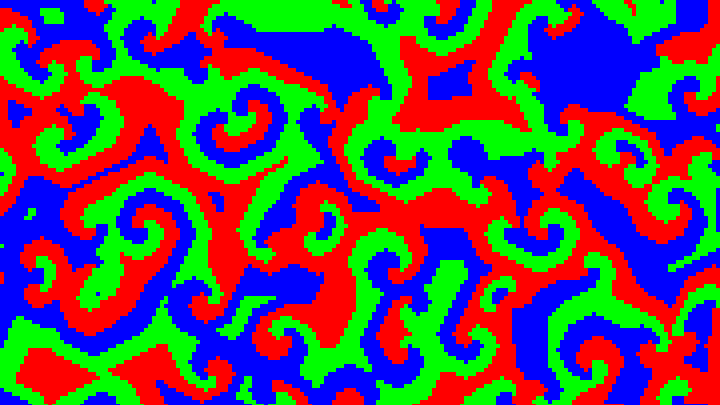
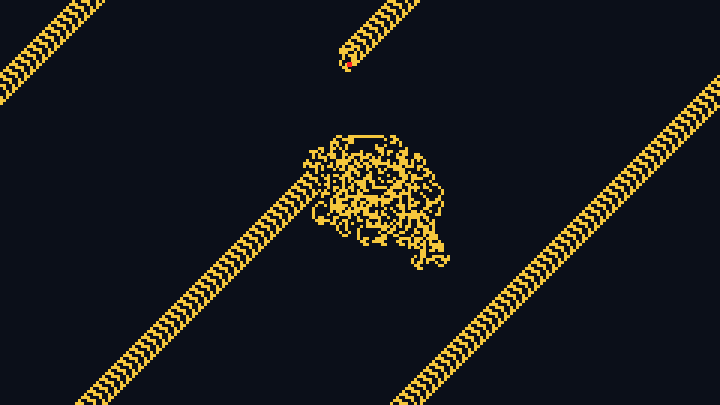
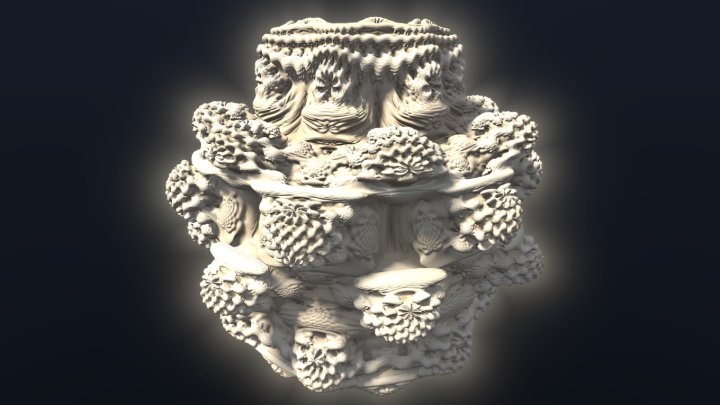
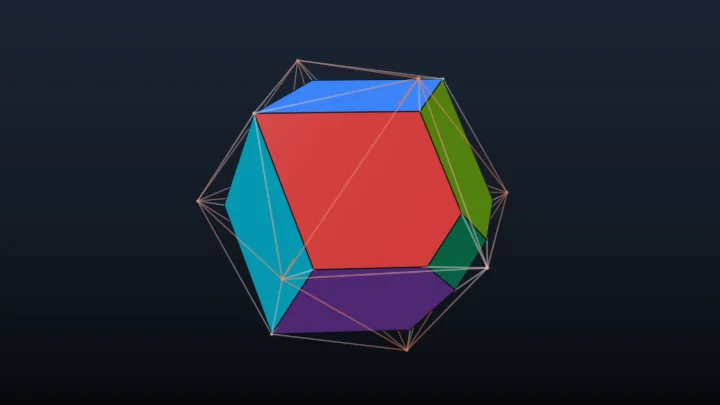
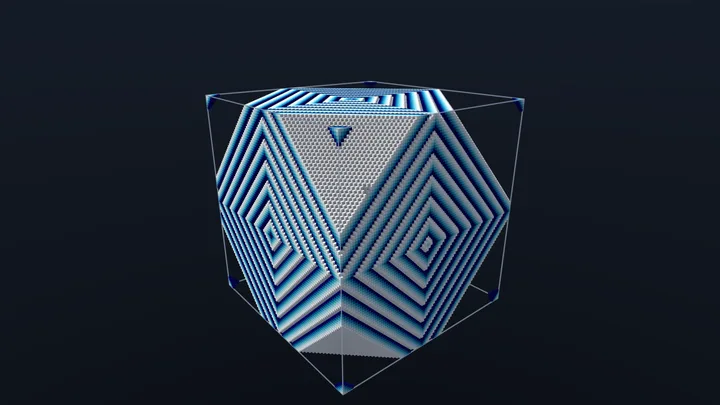
- Pick a preset - The buttons above the image start a ready-made simulation: a crystal that grows from a single cell, clouds that settle into smooth blobs, fleets of gliders that fly and collide with the rules of Carter Bays, two replicators that copy their starting cells over and over, and a polyhedron that grows from a small symmetric soup.
- Rotate and zoom - Drag the image to turn the grid in any direction, and turn the mouse wheel over a cell to move toward it. Choose "Rotates around the vertical axis" in "Dragging the image" to keep the grid upright, like an object on a turntable.
- Fly inside the grid - Click the image and fly with the W, A, S and D keys, go up and down with R and F, turn with the arrows and roll with Q and E. Use "Visible part of the grid" to cut the grid open and see inside the structures.
- Change the rule - Type a rule like B5/S4,5: the numbers after B are the numbers of live neighbors that bring a dead cell to life, and the numbers after S are the ones that keep a live cell alive. Choose 26 neighbors (Moore) or only the 6 neighbors that share a face (von Neumann).
- Choose the starting cells - Start from a random soup, and change its size, shape, density, symmetry and seed, or start from a pattern: a glider, an oscillator, a single cell or a small cube.
- Download the result - Save the current view as a PNG image, or record the next generations as an animated GIF or a WebM video, optionally while the camera turns around the grid.
Settings
Below are the parameters you can configure to run the 3D Game of Life.
| Field | Description |
|---|---|
| Preset | A ready-made combination of a rule, a grid and starting cells. |
| Rule | Which numbers of live neighbors give birth to a dead cell (B) and keep a live cell alive (S). For example, B5/S4,5 means that a dead cell with exactly 5 live neighbors comes to life, and a live cell with 4 or 5 live neighbors survives; every other cell dies or stays dead. Ranges like 13-26 are accepted, and numbers above 9 must be separated by commas. The tool also reads Carter Bays' 4 digit notation (4555 is the same as B5/S4,5) and the survival/birth/states/neighborhood notation used by many 3D cellular automata programs (4-5/5/2/M), with 2 states. |
| Neighborhood | Which cells count as neighbors. Moore: the 26 cells of the 3 x 3 x 3 cube around the cell, which touch it by a face, an edge or a corner. von Neumann: only the 6 cells that share a face with it. |
| Edges of the grid | Dead: the cells outside the grid count as dead, so the structures that reach the edge are cut. Wrap around: each face of the grid touches the opposite face, so a glider that leaves on one side comes back on the other. |
| Size of the grid | The number of cells on each side of the cube, from 32 (32 thousand cells) to 512 (134 million cells). The larger grids need a graphics card with enough memory and speed. |
| Speed | How many generations are calculated per second. If the graphics card can't keep up, the simulation slows down instead of skipping images. |
| Start with | A random soup of cells in the middle of the grid, or a pattern. |
| Size, shape and density of the soup | The size of the region filled with random cells, in percent of the side of the grid, its shape (a cube or a sphere), and the percentage of its cells that start alive. |
| Symmetry | Mirrors the soup on the three middle planes of the grid. The rules of the Game of Life keep the symmetry, so the structures stay symmetric forever. |
| Seed | The number that creates the random soup. The same seed always gives the same soup, so you can come back to a soup you liked. The dice button picks a new one. |
| Pattern | The gliders of the rules B5/S4,5 and B6/S5-7, which move diagonally through the grid, alone or in fleets of 24 gliders flying in every direction, three oscillators, or simple shapes (a single cell, a 3D cross, a small cube) that grow into large structures with the crystal and replicator rules. |
| Dragging the image | Rotates freely in any direction: the grid follows the mouse like a ball, and it can turn upside down. Rotates around the vertical axis: the grid stays upright. Turns the camera: looks around from where the camera is, like in a video game. |
| Field of view | The angle that the camera sees, from the top of the image to the bottom. A wide angle helps when you fly inside the grid. |
| Flying speed | The speed of the keyboard movements, relative to the size of the grid. |
| Rotate the camera around the grid | Turns the camera slowly around the vertical axis of the grid, also in the downloaded animations. A negative speed turns it the other way. |
| Visible part of the grid | Shows only the cells between two values on each axis, to cut the grid open and see the inside of dense structures. The hidden cells are still simulated. |
| Color by | What chooses the color of each cell: its position in the grid, its age (how many generations it has been alive), its height, its distance from the center of the grid, or one color for every cell. |
| Palette | The gradient used to color the cells: Aurora, Fire, Ice, Sunset, Forest, Rainbow or Grayscale. |
| Shadows, ambient occlusion, outlines, fog | The lighting of the cells: the shadows they cast on each other, the darkening of the corners and holes, dark lines on the edges of each cell, and the fading of the farther cells into the background. |
| Show the edges of the grid | Draws the 12 edges of the cube that contains the cells, to see where the grid ends. |
| Samples per pixel | When nothing moves, each pixel is calculated again several times, at slightly different positions inside the pixel, which smooths the edges of the cubes. |
| Resolution / Width / Height | The size of the image in pixels, also used for the PNG download. |
| Animation | The format (animated GIF or WebM video), the number of frames, how many generations are calculated between two frames, the number of frames per second and the width of the animation. |
What is the 3D Game of Life?
The Game of Life, invented by the mathematician John Conway in 1970, is a grid of square cells that are either alive or dead. At each generation, every cell counts its live neighbors among the 8 cells around it: a dead cell with exactly 3 live neighbors is born, and a live cell with 2 or 3 live neighbors survives. Every other cell dies, of loneliness or of overcrowding. These two simple rules create gliders that move across the grid, guns that shoot gliders, and patterns that grow forever.
The 3D Game of Life applies the same idea to a grid of cubes. Each cell now has 26 neighbors: 6 that share a face with it, 12 that share an edge, and 8 that share a corner. Conway's rule B3/S23 does not work well in three dimensions, where most soups explode or die immediately, so the 3D version uses other numbers. In 1987 Carter Bays studied this question and found the rules B5/S4,5 and B6/S5-7, written 4555 and 5766 in his notation, which have gliders of 10 cells, just like Conway's rule. In these two rules random soups die quickly, leaving a few oscillators, but gliders travel through the grid forever.
Many other rules give completely different behaviors. Some grow slowly from a small soup into a large, ever-changing structure. Others, like the "Clouds" rule, smooth a dense random soup into stable blobs within a few generations. With only 6 neighbors (the von Neumann neighborhood) and the rule B1,3/S0-6, a single cell grows into a crystal with a regular, fractal-like structure. The replicator rules, which give birth to a cell when it has an odd number of live neighbors, are among the most surprising: whatever the starting shape, copies of it keep appearing at larger and larger distances.
To run in real time, this tool does all the work on the graphics card. The grid is stored in a 3D texture, and every generation is calculated in parallel for all the cells. To draw it, a ray leaves the camera through every pixel and steps through the grid cell by cell until it meets a live cell, jumping over the large empty regions in blocks of 64 or 512 cells. This is why the speed depends on the size of the image and the number of visible cells, not on the total number of live cells.
Frequently Asked Questions (FAQ)
Is this 3D Game of Life simulator free to use?Yes, this tool is 100% free and works directly in your browser, with no installation and no sign-up required.
Are my simulations uploaded to a server?No. The simulation and the images are calculated by the graphics card of your own computer or phone, and nothing leaves your device.
Why doesn't the 2D rule B3/S23 work in 3D?With 26 neighbors instead of 8, a cell has many more chances to have exactly 2 or 3 live neighbors, so a random soup in B3/S23 grows into a chaotic mass that fills the grid. The rules that behave like Conway's game in 3D use larger numbers, like B5/S4,5 and B6/S5-7 found by Carter Bays.
What are the gliders?A glider is a small group of cells that comes back to its original shape after a few generations, one cell further. The gliders of B5/S4,5 and B6/S5-7 both have 10 cells and a period of 4 generations, and move one cell diagonally every 4 generations. With "Wrap around" edges, they cross the grid forever.
Why did all the cells die?Many 3D rules are hard to sustain: in B5/S4,5, a random soup usually dies in less than 50 generations, leaving at most a few oscillators. Try a different density, a new seed, a larger soup, or one of the presets that grow.
How large can the grid be?Up to 512 x 512 x 512 cells, which is 134 million cells, if your graphics card has enough memory. A grid of 256 x 256 x 256 cells (16 million cells) already runs smoothly on most dedicated graphics cards. On phones and laptops with integrated graphics, 128 x 128 x 128 is a good size.
Can I see inside the dense structures?Yes, in two ways: fly inside the grid with the keyboard, or use "Visible part of the grid" to hide the cells on one side of a plane, which cuts the structure open like a slice.
Can I save an animation of the simulation?Yes. In the "Animation" section, choose an animated GIF or a WebM video, the number of frames and the number of generations per frame, and click the download button. The animation starts from the current generation and the current camera, and can also turn around the grid.
Does it work on my phone?Yes, as long as the browser supports WebGL2, which is the case of every recent browser. Rotate the grid with one finger and zoom with two. While the grid moves, the image is calculated with fewer pixels to stay smooth.
Related tools