Change image color
Change color of images by changing the red, green and blue components of each pixel of the image.
Change image hue
Adjust the hue of images. Hue rotate images by specifying an angle around the color circle.
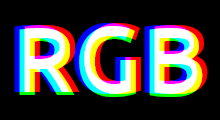
RGB Split Effect
Separate the red, green and blue color channels of images to create glitch-like effects.
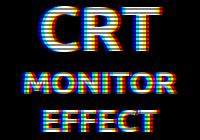
CRT Monitor Effect
Recreate the look of classic CRT displays and old TVs on your photos.
Grayscale image online
Convert images to grayscale.
Blur image online
Apply Gaussian blur filter to images.
RGB Formula Editor
Edit images using math equations. Transform images by applying custom RGB formulas to each pixel.
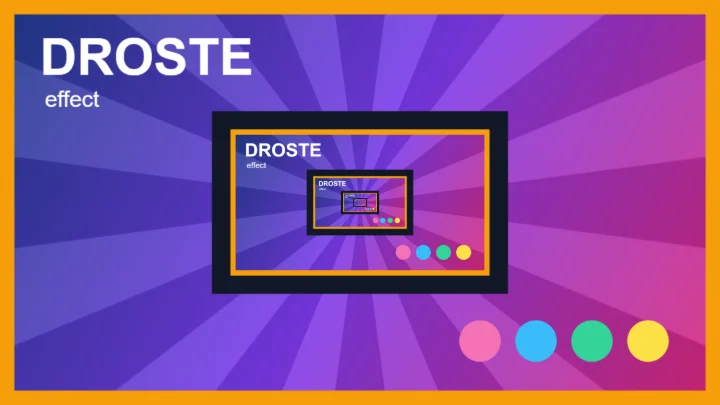
Droste Effect Generator
Put a picture inside itself, again and again: create the recursive Droste effect from any image.
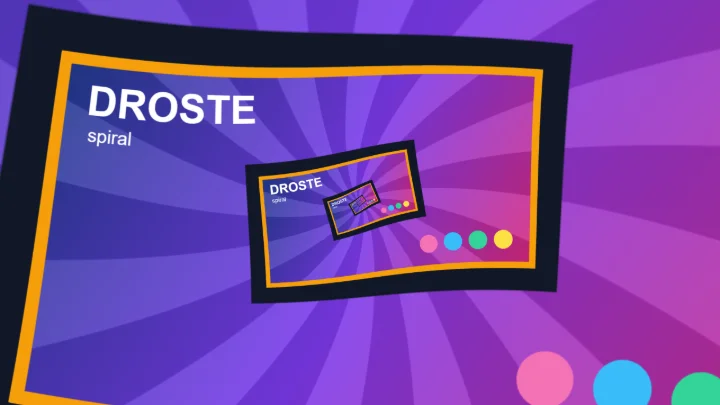
Droste Spiral Generator
Twist any image into an infinite Escher spiral (Droste spiral), by taking the logarithm of the image.
Infinite Zoom Animation Generator
Turn any image into an endless, seamlessly looping zoom animation, and download it as a GIF or a video.
Average images
Combine 2 or more images into a single image, by averaging the RGB values of each pixel.
Blend images
Blend 2 images into a single image, using blend modes like multiply, screen, overlay and difference.
Generate Turing Pattern from Image
Blur and Sharpen an image multiple times to generate a Turing Pattern.
Convolution Matrix
Apply Convolution Matrix to images to create effects such as blurring, sharpening, embossing, edge detection, and more.
Bloom Effect
Apply bloom effect to images to create dreamlike glow or halo of light that bleeds from bright areas into darker regions of the image.
Bevel and Emboss
Add 3D depth, raised edges and carved or stamped looks to text, logos and shapes.